Enabling GPS in the Lula.Cleaning app
4 min
Enabling GPS for managers
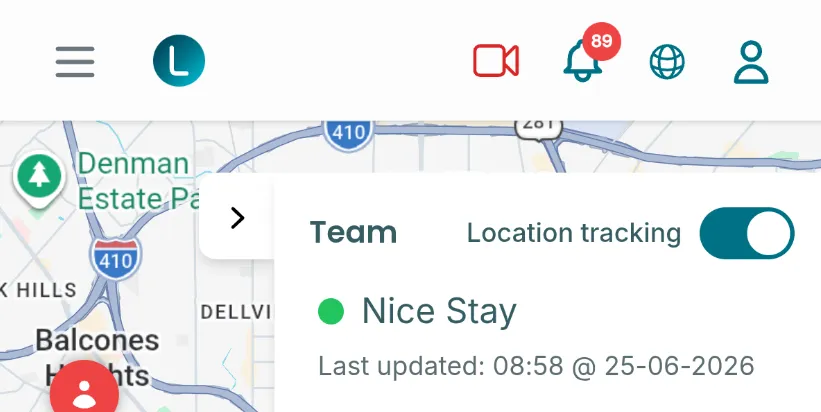
- Go to the map page: https://app.lula.cleaning/map
- Switch on the "Location tracking" toggle
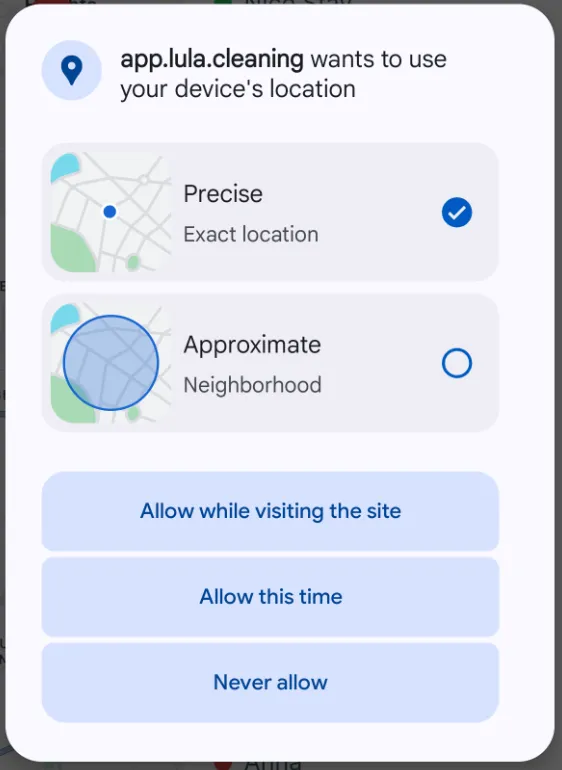
- The first time you do this, the browser will ask you to grant permission. Select "Allow while visiting the site"
- Your location will be sent only while the Lula.Cleaning app is active. If you want to disable location sharing completely, switch off the "Location tracking" toggle.
Enabling GPS for cleaners
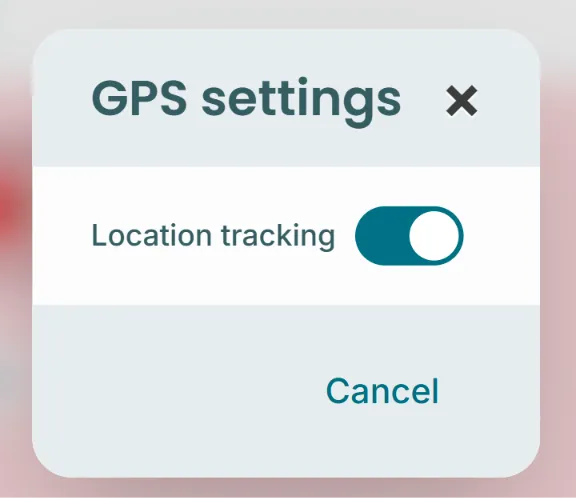
- Tap the highlighted "map" button at the bottom of the app

- Next, switch on the toggle in the pop-up window
- The first time you do this, the browser will ask you to grant permission. Select "Allow while visiting the site"
- Your location will be sent only while the Lula.Cleaning app is active. If you want to disable location sharing completely, tap on the map icon and switch off the "Location tracking" toggle.
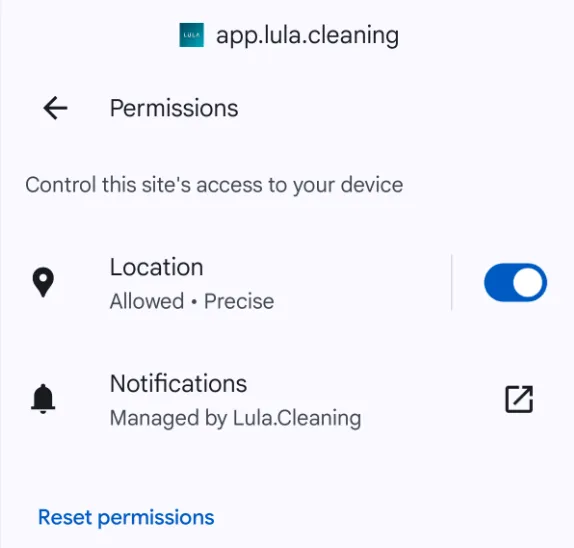
Troubleshooting
- Open https://app.lula.cleaning in your browser
- Tap the area to the left of the address bar

- Tap "Permissions"
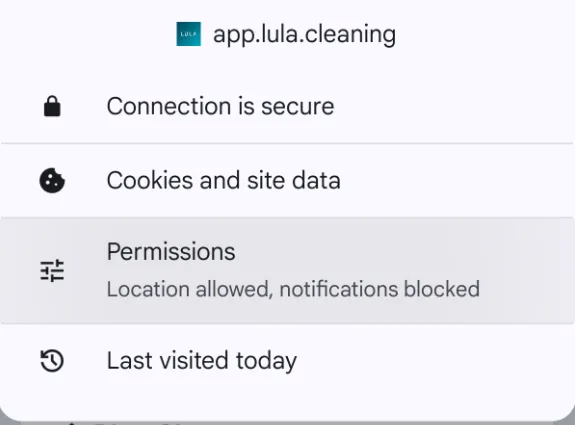
- Check whether Location is allowed. If it is not, enable it or reset permissions and start again