Cloudbeds
7 min
Step 1. Get API key to Lula.Cleaning
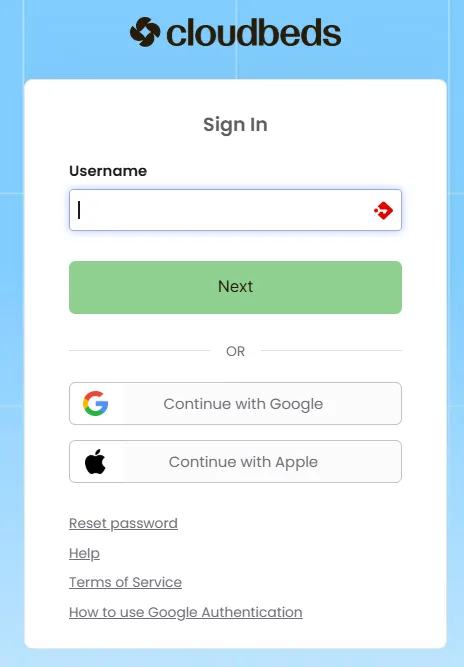
- If you do not have API key to Cloudbeds, go to sign in (use your Username, press "Next" button and insert your Password): https://signin.cloudbeds.com/
- Being in App Details:
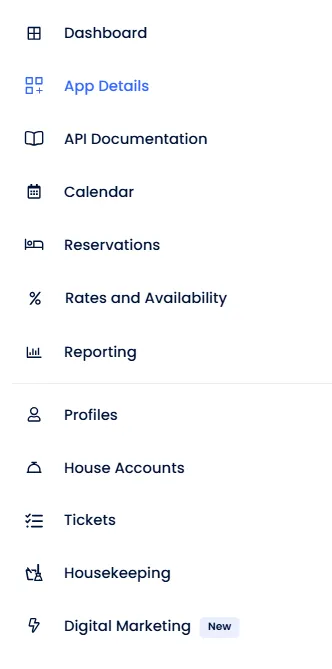
- you should know your property identification (Hotel ID), otherwise you may find it e.g. in the upper right corner of your screen once logged in at
Step 2. Paste Hotel ID and API key to Lula.Cleaning
- you should know your property identification (Hotel ID), otherwise you may find it e.g. in the upper right corner of your screen once logged in at https://cloud.kwhotel.com/dashboard:

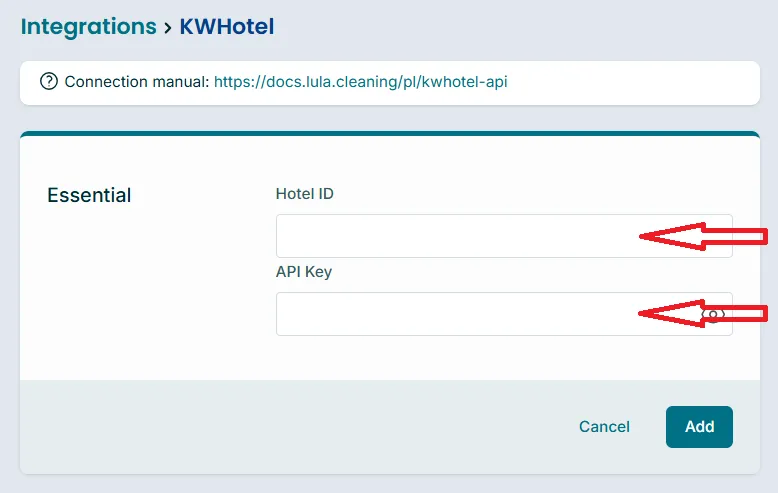
- Paste the Hotel ID and API Key into proper fields:
Step 3. Add integration to Lula.Cleaning
- Click the "Add" button
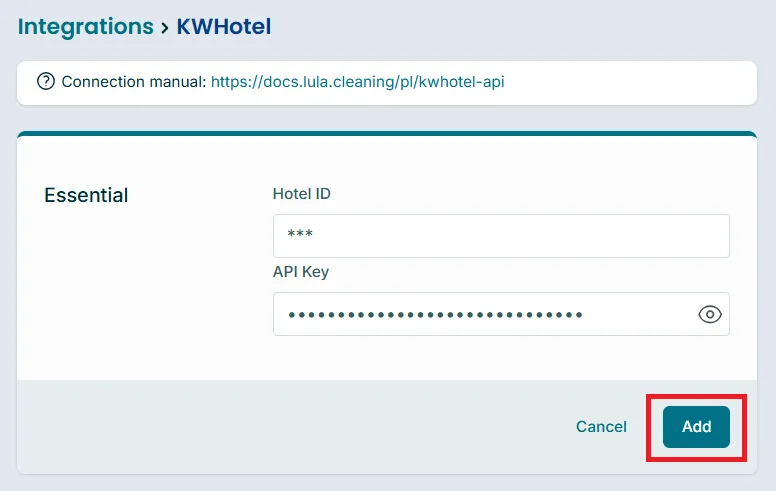
Ready! Properties and bookings should be synced immediately. You may now go to the main reservations list at https://app.lula.cleaning/
Additional Information
Active "web" module
In KWHotel, you need to have an active 'web' module. Check if you can log in with the generated data on the page below (if so, you can continue the integration in Lula.Cleaning).
If you do not have this module, write to help lula.cleaning
Watch Lula.Cleaning video tutorial here
Install Lula.Cleaning as the application and activate notifications
Lula.Cleaning app is not directly available at App Store or Google Play. It is installable as the application from within the browser. Manuals are available here:
PS. You may even install Lula as the app on Windows or Mac and activate notifications there as well.