Allowing voice recording
If you want to use voice messages in Lula, you have to allow Lula.Cleaning website in your browser to access and use the microphone on your device. On the computer, after clicking on the voice message icon, you may see this pop-up:
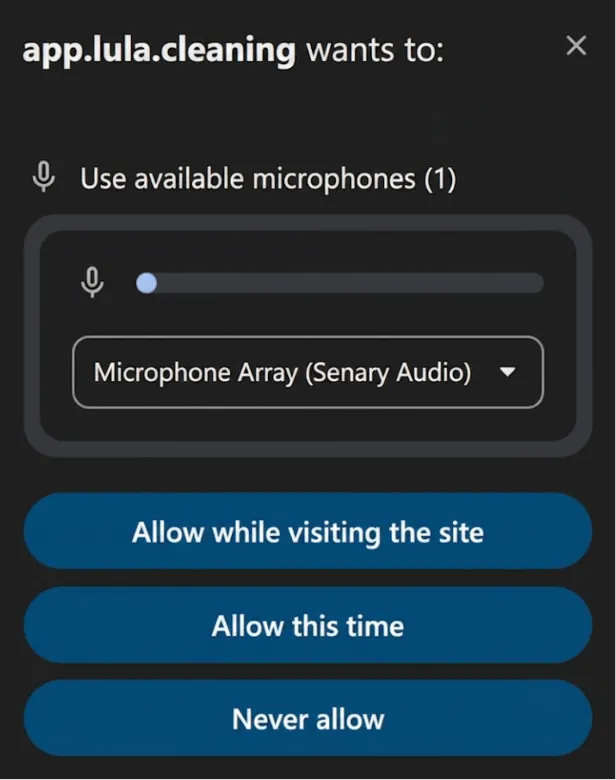
If you do, please select the "Allow while visiting the site" option.
On the phone, please select the "Allow while visiting the site" or a similar option when using the voice messages feature for the first time.
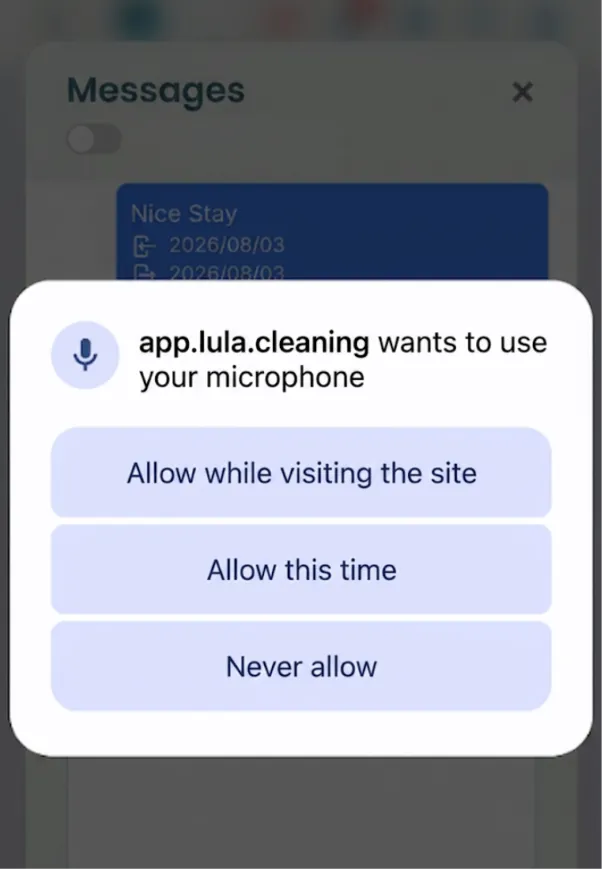
! The pop-up may differ based on the browser and the device you use. In all the cases please select the "allow" / "always allow" / "allow while visiting the site" option or similar one
⚠️ A quick note!
To get the best transcription results:
✅ Speak clearly and at a steady pace :)
✅ Please keep in mind that the transcription is generated automatically, so occasional mistakes or inaccuracies may occur.